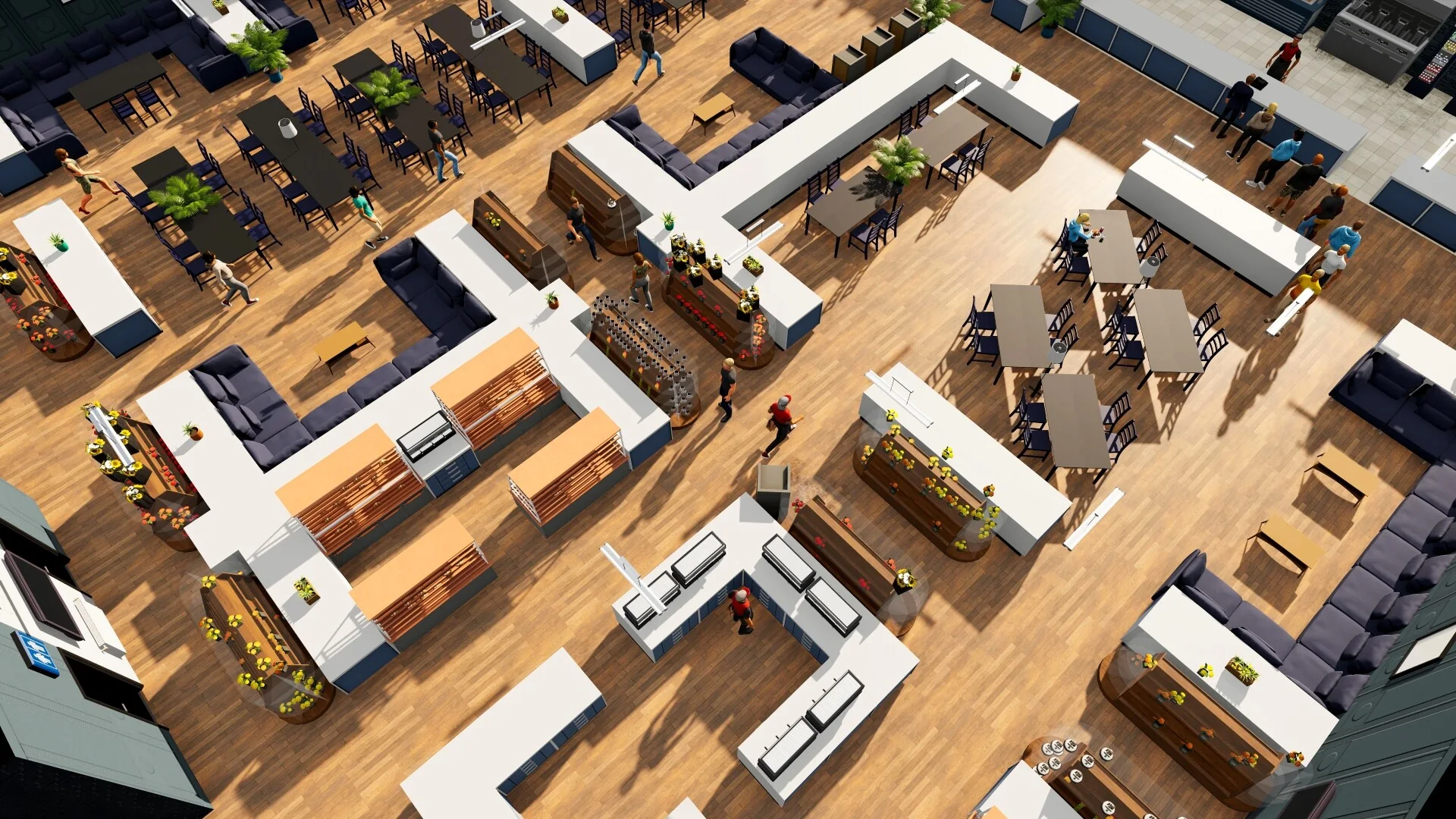
Start with that business's security requirement: cover its stock with cameras, add a panel at the entrance if required, and schedule guards if the displayed requirement calls for them. Security demand depends on the products sold; a developer's high-value electronics/jewelry example needed two guards patrolling together, but that is not a universal count. A 1.0 community catalogue lists the standard Security Camera at $2,500 and Security Camera (Dome) at $2,700, both at Essential Appliances; it also lists Guard Lockers ($2,000) at Essential Appliances and Hamptons Supplies, and Security Panels ($1,200) at Essential Appliances and Red Carpet Décor. These are reference listings, not a guarantee of current stock: confirm the item and seller in F1 before travelling. The dome mounts on the ceiling while the standard camera mounts on a wall; choose based on the room and the live coverage preview, not a universal claim that one is always better.
Set up and check security
- In BizMan, open the specific business and read its current security level. It reflects the current in-game hour, so check while the store is operating and the scheduled guard is on shift; it is not a whole-day average.
- Search the current F1 furniture catalogue for Security Camera, Security Panel, and Security Guard Locker. Follow the listed seller and inspect its inventory before travelling.
- Place cameras so the merchandise area is covered. A wall camera and a dome camera are different placement options; let the current placement preview show coverage rather than guessing from the object name.
- If the business requires a guard, place an available Security Guard Locker in the business, assign a qualified guard, and schedule coverage for every hour the business is open. Check employee access and skill in the schedule.
- Let the store operate, then open BizMan > EconoView, select that business, and compare the theft expense across operating periods. If it is zero for the period, do not assume a different hour or future period is also covered. If theft continues, check current-hour security, stock coverage, panel/guard requirements, schedule, and locker access before buying anything else.
Sources
All reference item details, actions, and checks needed for this task are stated above; these links document the listed facts. The live BizMan rating and store-specific EconoView result must still be checked in the player's save.
- Big Ambitions furniture catalogue — community reference for security-item names and listed prices.
- Developer answer: camera placement — dome cameras mount on ceilings; floor coverage depends on layout.
- Developer answer: current BizMan level — security level reflects the current in-game time.
- Developer answer: EconoView theft expense — check the selected store's budget for theft expense.
- Developer answer: high-value store requirements — explains why some high-value stores need multiple guards.