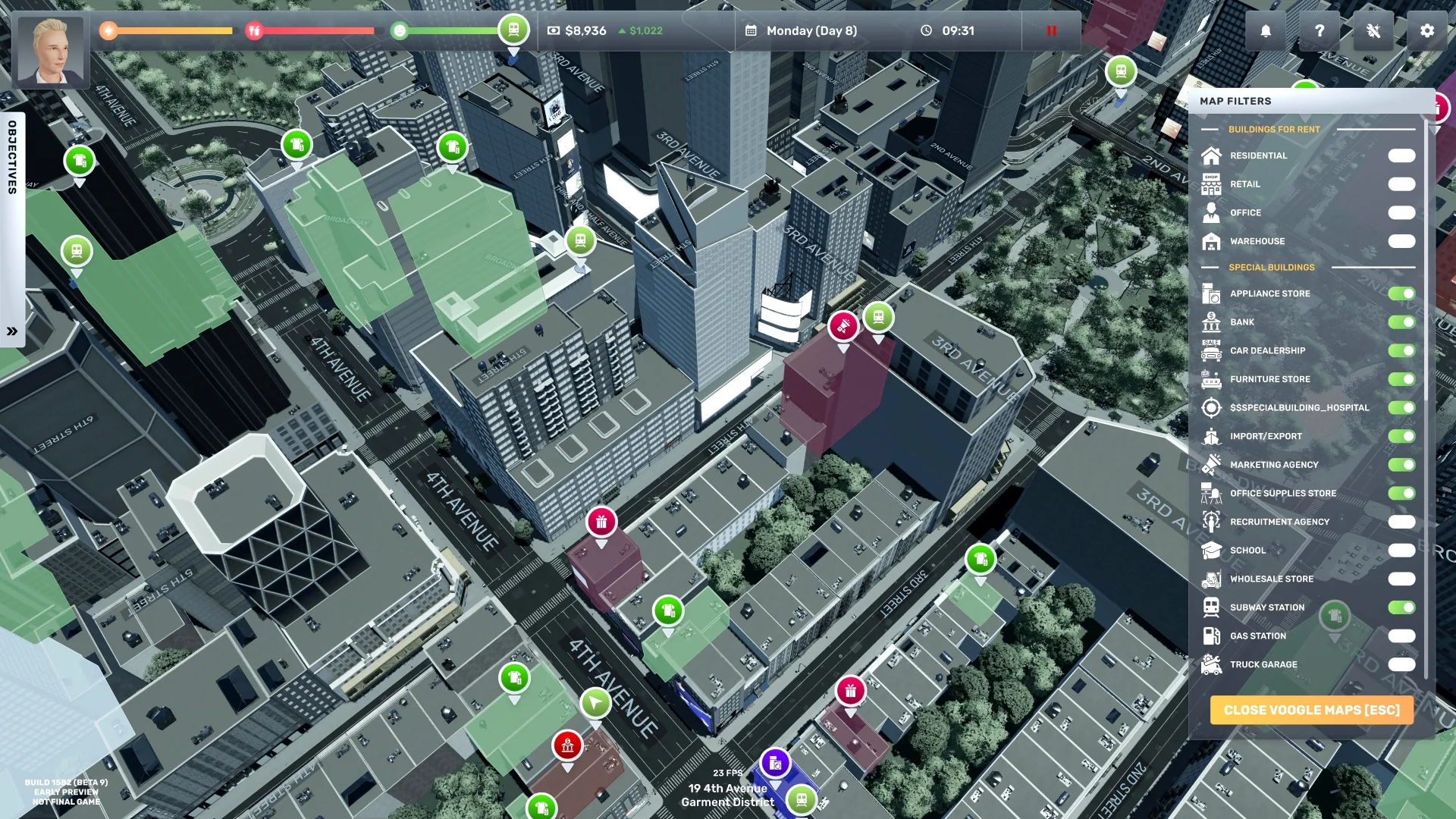
Open one business you can fully fund and monitor. Before signing, add up the lease/deposit, required furniture, first inventory order, transport, and wages; keep cash for the next operating cycle. Start with a narrow product or service plan, then use the first days of results to decide what to fix before expanding.
In Story Mode, check Uncle Fred's active objective before you choose the first business: some tutorial objectives expect a wholesale/store type, so a Gym as the first business may leave the stock/open-shop steps stuck. The developer's workaround is to open that business's BizMan → Settings, switch it temporarily to a wholesale type such as Gift Shop, complete the stock and open-store objective, then switch back. Check staffing and requirements after changing types; switching can change the setup. In Sandbox, pick the business you want and use its own setup checklist.
First-business route
- Read the active objective, then pick a business. In Story Mode, make sure the first business type can satisfy the objective; in any mode, note the furniture, products, equipment, employee roles, and security or environmental demands in its setup screen.
- Compare two affordable buildings. Check the actual rent and floor plan, then compare type, capacity, and traffic. Use MarketInsider for neighborhood/product demand and competitor context; do not treat traffic as guaranteed sales.
- Budget the first operating cycle. Add lease/deposit, required fixtures, first stock, delivery or transport, and wages. Read the order's displayed total and keep a cash reserve. Build 3680 clarified current import eligibility and added delivery order totals.
- Set up only the operating essentials. Place required fixtures first, keep customer and staff paths open, and stock a limited product set you can restock.
- Run the business and identify its bottleneck. Check sales, stockouts, queues, employee coverage, current requirements, and the business's recurring costs. Change one major factor at a time.
- Expand after the operation is repeatable. A useful ready signal is that shelves or service remain available, staff can do assigned work, recurring bills are covered, and the owner is not constantly rescuing the store. If not, fix the single weakest signal before signing another lease.
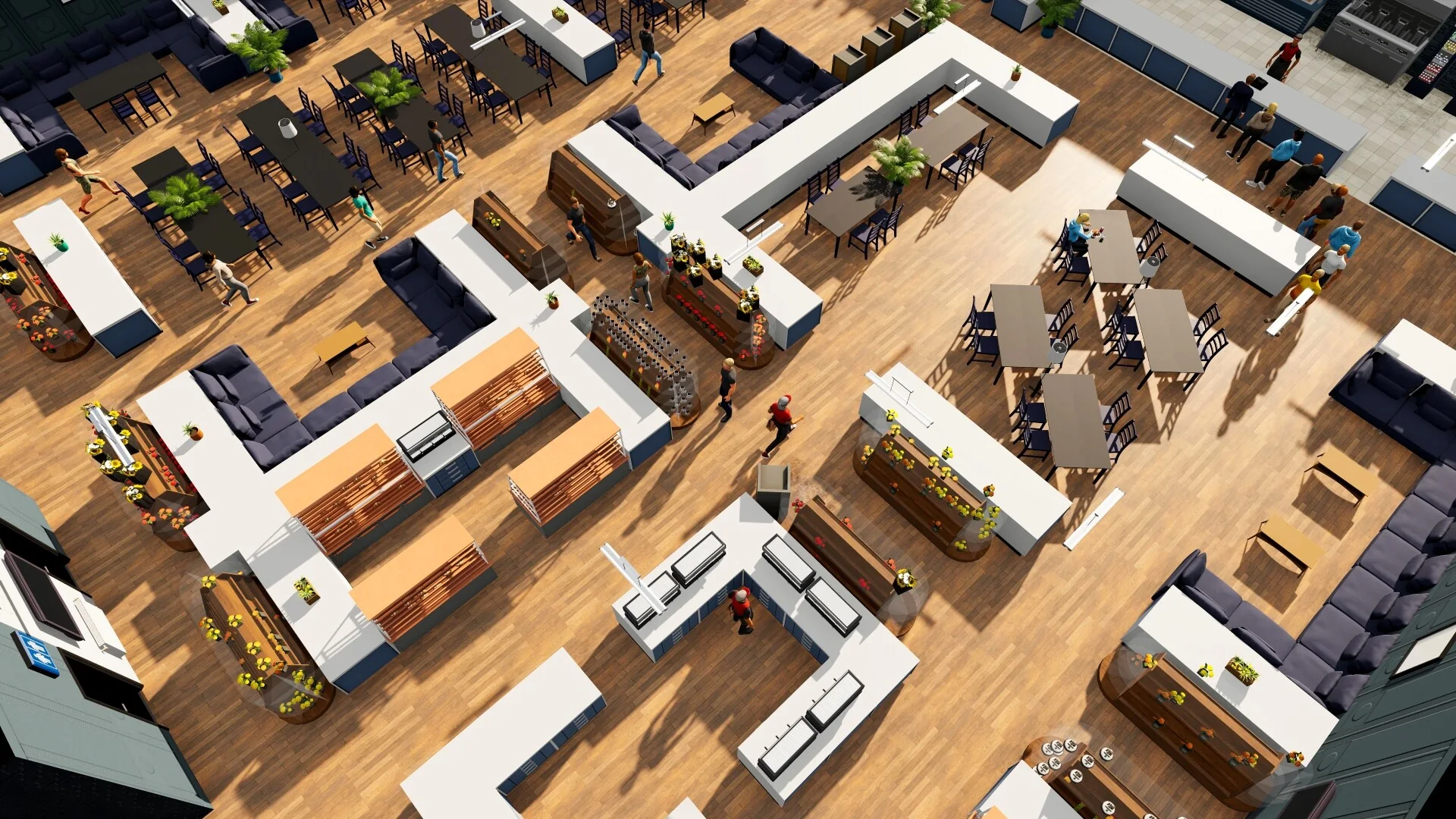
This is an official store-layout example from an older build, not a required blueprint; use your business setup checklist and current room layout.
Decide what to fix first
| What you observe | Check first |
|---|---|
| Customers arrive but products are unavailable | Order quantity, supplier/import eligibility, delivery timing, and storage |
| Customers wait while stock is available | Register/service capacity, staffing, pathing, and schedules |
| Sales look strong but cash keeps shrinking | Purchase cost, wages, rent, transport, and theft expense |
| Employees are unhappy or idle | Assigned role/station, current demands, skill, hours, and workload |
| Interior score is weak | Finish required furniture and clear paths before spending on more decoration |
Keep player needs and employee satisfaction separate: player food, rest, hygiene, and activities are personal needs; employees have their own role, schedule, and workplace demands. Use the happiness guide for player needs and the employee satisfaction guide for staff issues.
For a candidate first business, see best starting business. For buildings, prices, or the current patch, use the buildings database, product price guide, and latest patch notes.
Sources
- Official Big Ambitions announcements — Build 3680 import eligibility and delivery totals; checked September 26, 2026.
- Developer answer on a Story Mode quest stalled by a first Gym — gyms do not satisfy the tutorial's wholesale-business step; BizMan Settings provides a type-switch workaround.
- Player report on switching a Gym for tutorial progress — describes restoring the original type and rechecking the staff schedule (October 11, 2025).
- Big Ambitions on Steam — current game description and systems.