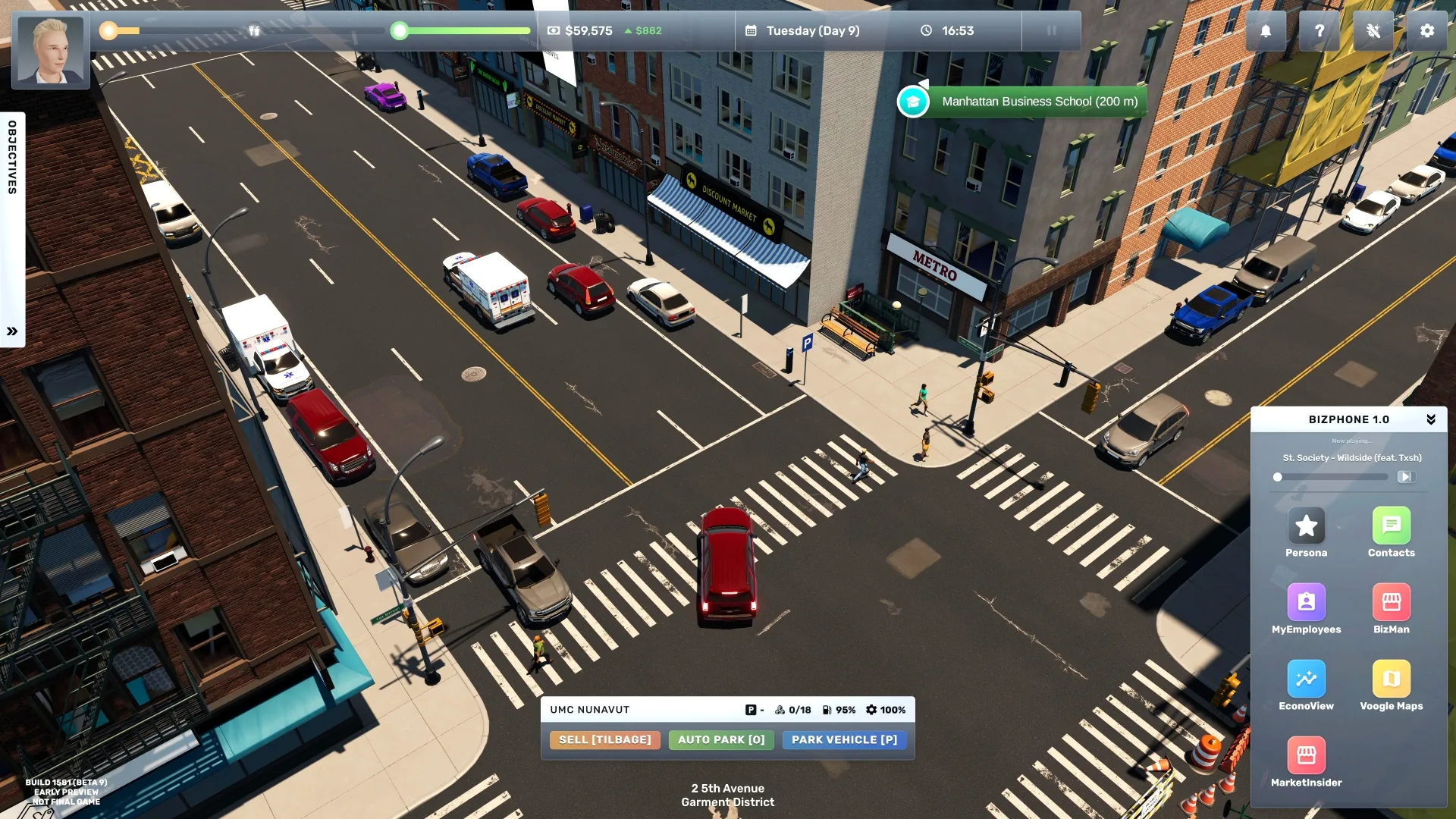
For a customer-facing business, first shortlist locations where your products have demand, then compare each building's rent, traffic, customer capacity, and usable floor plan. Traffic is potential footfall; it does not guarantee customers or profit. The site's 500-building database snapshot lists these M1 retail candidates with the highest traffic in its current dataset:
| Candidate | Area | Customer capacity | Traffic | First comparison to make |
|---|---|---|---|---|
| Sixth Avenue 12, Murray Hill | 2,115 sq m | 75 | 49 | Highest listed traffic in this M1 sample, with the smallest area among these three |
| First Avenue 30, Midtown | 5,491 sq m | 75 | 48 | Nearly the same traffic, but over twice the listed area of Sixth Avenue 12 |
| Sixth Avenue 16, Murray Hill | 5,376 sq m | 75 | 47 | Similar area to First Avenue 30, with slightly lower listed traffic |
Use them as a comparison exercise, not a “best” ranking. These are snapshot fields only; the dataset does not supply your save's rent, current availability, or room layout.
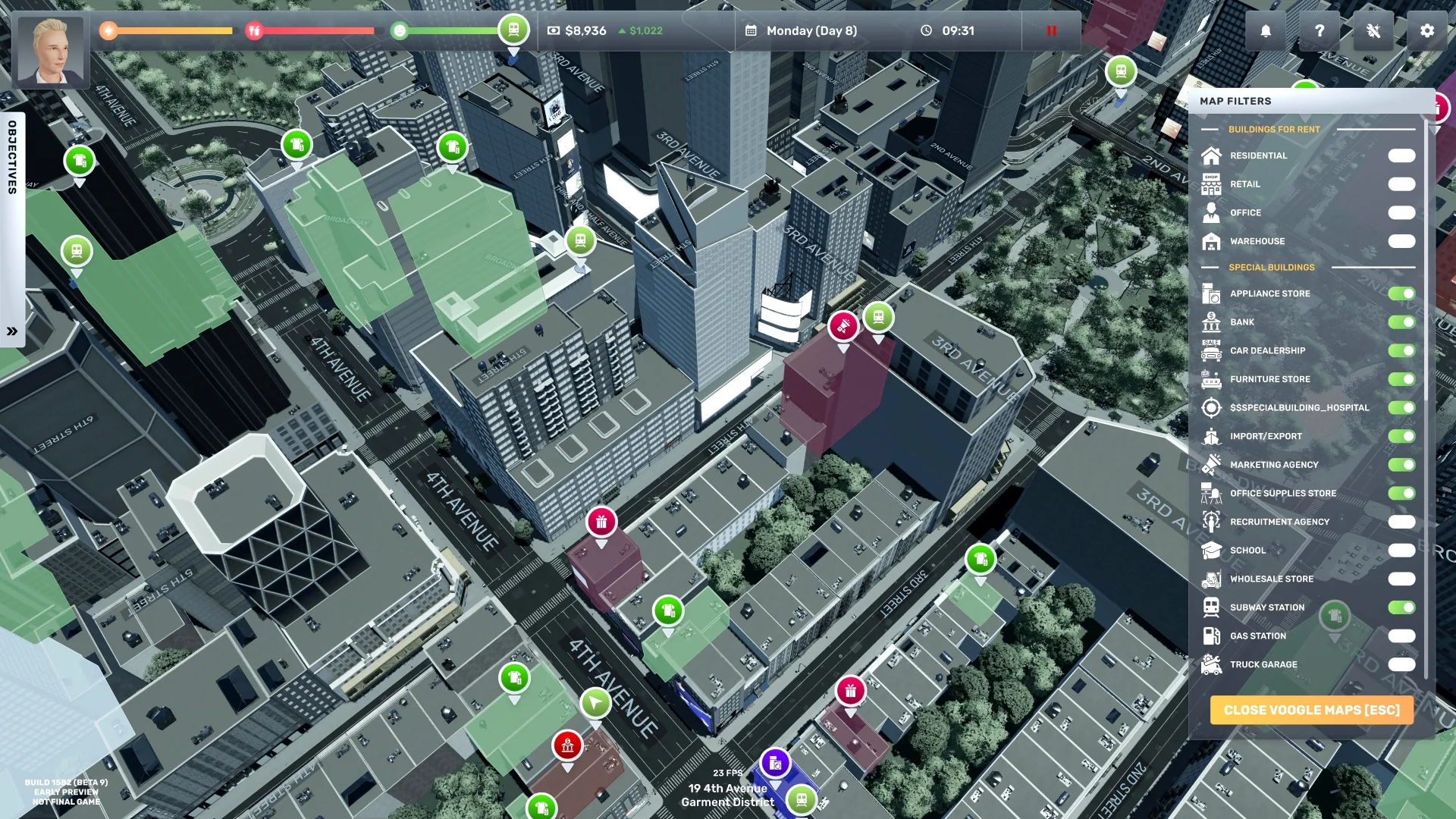
This official screenshot is from an older test build; use the current VoogleMaps filters and property details in your 1.0 save.
Use a reject-first rule: remove any property that cannot fit the required setup, misses the business's demand, or leaves too little cash for stock and the first wage cycle. Of the remaining options, choose the lowest-rent layout that can serve the demand; pay more for traffic or capacity only when the business can use it and the extra rent still fits your reserve.
Shortlist before you sign
- Check the target neighborhood and product demand in MarketInsider; note nearby competitors and their opening hours.
- Filter candidate properties by business type and building size. Compare traffic and customer capacity for a shop; for offices, warehouses, and factories, prioritize their actual role and access needs instead of retail foot traffic.
- Open the building or visit it in game. Check lease cost, entry, room shape, customer path, staff route, and delivery access. The database's size/traffic fields cannot show these interior constraints.
- Sketch where required furniture, stock, checkout/service fixtures, and storage would go. Reject the property if the route pinches or the setup leaves too little cash for the first operating cycle.
- After opening, compare customer count, sales, stockouts, queues, wages, and rent over several comparable days. Keep the location only if it serves the business at a cost your cash flow can sustain.
| If the property has… | Check next |
|---|---|
| High traffic | Whether demand, stock, and service capacity can convert visitors into sales |
| Large floor area | Whether the business can use it without taking on unnecessary rent or fit-out cost |
| High customer capacity | Whether shelves, registers, workstations, staff, and customer routes can handle that volume |
| Parking | Whether the business actually benefits from vehicle access; it does not replace a good interior flow |
The site's building snapshot records traffic, area, type, capacity, and parking, not current asking rent, competitor changes, or your save-specific business results. Verify those in game before leasing. For searchable addresses, use the buildings database; for business choice, use best business.
Sources
- This site's searchable buildings database — 500-row address/type/area/capacity/traffic/parking snapshot; see its source note for dataset provenance and date.
- Location, demand, and pricing — third-party comparison advice; estimates are not the game's internal profit formula.
- Big Ambitions official announcements — current patch context.