Quick answer
If your Big Ambitions interior score is not moving, first identify which score you are watching. For the business-level Interior Score, open BizMan → select the business → Insights. For the room's wall-and-floor rating, use the Interior Designer while inside that business; it is a separate score and need not move with the broader business score. Then check required functional furniture, a usable entrance, and clear customer and employee paths before buying decorations. Reopen the same score after each group of changes. Interior score is related to comfort, hygiene, employee needs, and happiness, but it is not a substitute for checking those signals separately. Our interior score guide explains the broad factors; this page is the diagnostic order for a score that feels stuck.
The five-minute diagnosis
Pause the decorating plan and inspect the room as if you were a customer. Is the correct business type assigned? Are counters, shelves, displays, registers, fridges, or service fixtures present where the business expects them? Can a worker reach the operating area without squeezing around a chair or a display? Can a customer enter, browse, queue, and leave? These questions are more useful than counting decorative objects because they reveal a failed functional layout.
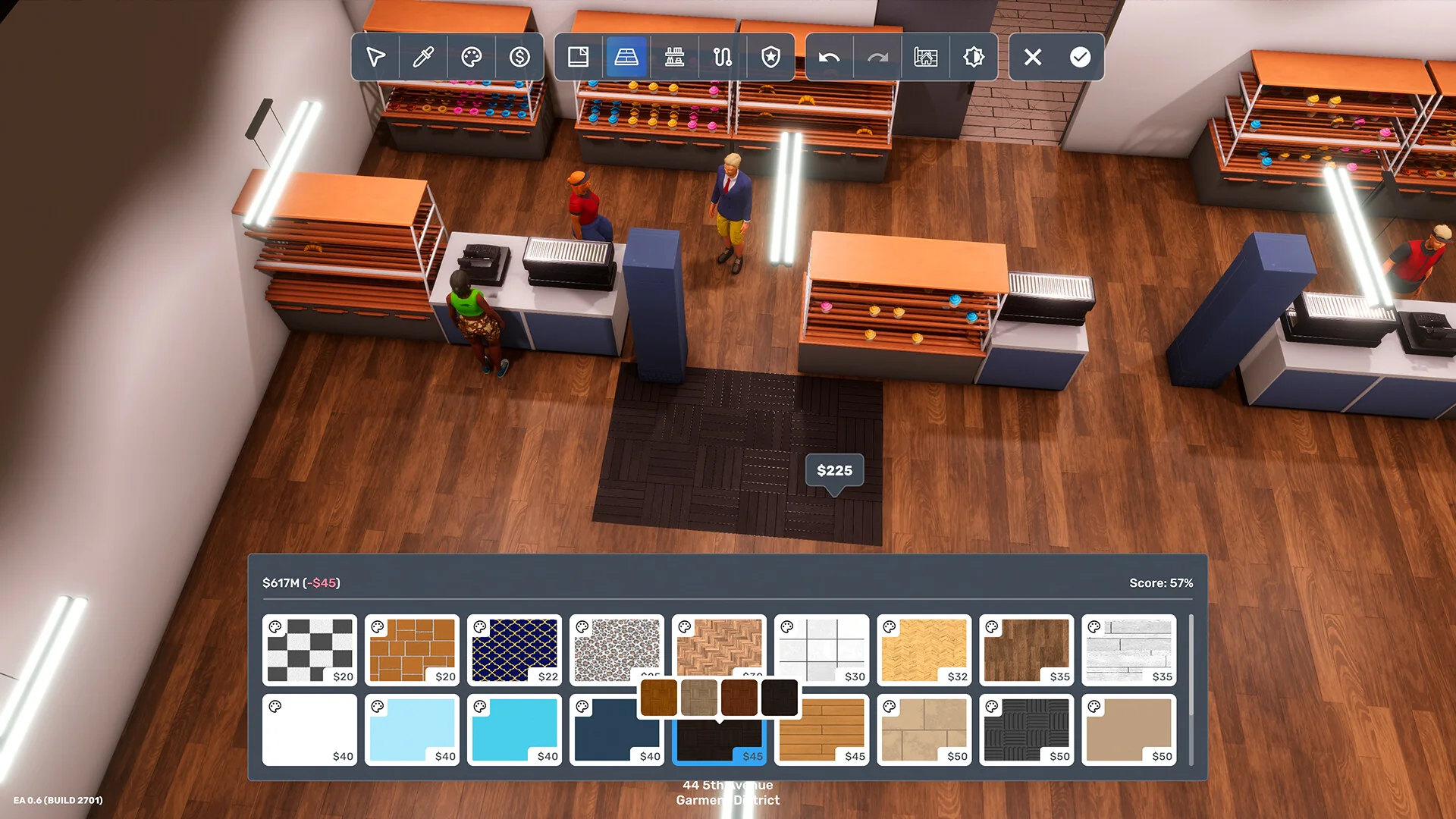
Next, check whether the room is visually unfinished. A bare leased space can operate while still looking poor. Apply an interior-design pass to the customer-facing area, then look again at the score. The available material supports these actions as repeatable improvement checks, but it does not support a public fixed formula for how many points each object contributes.
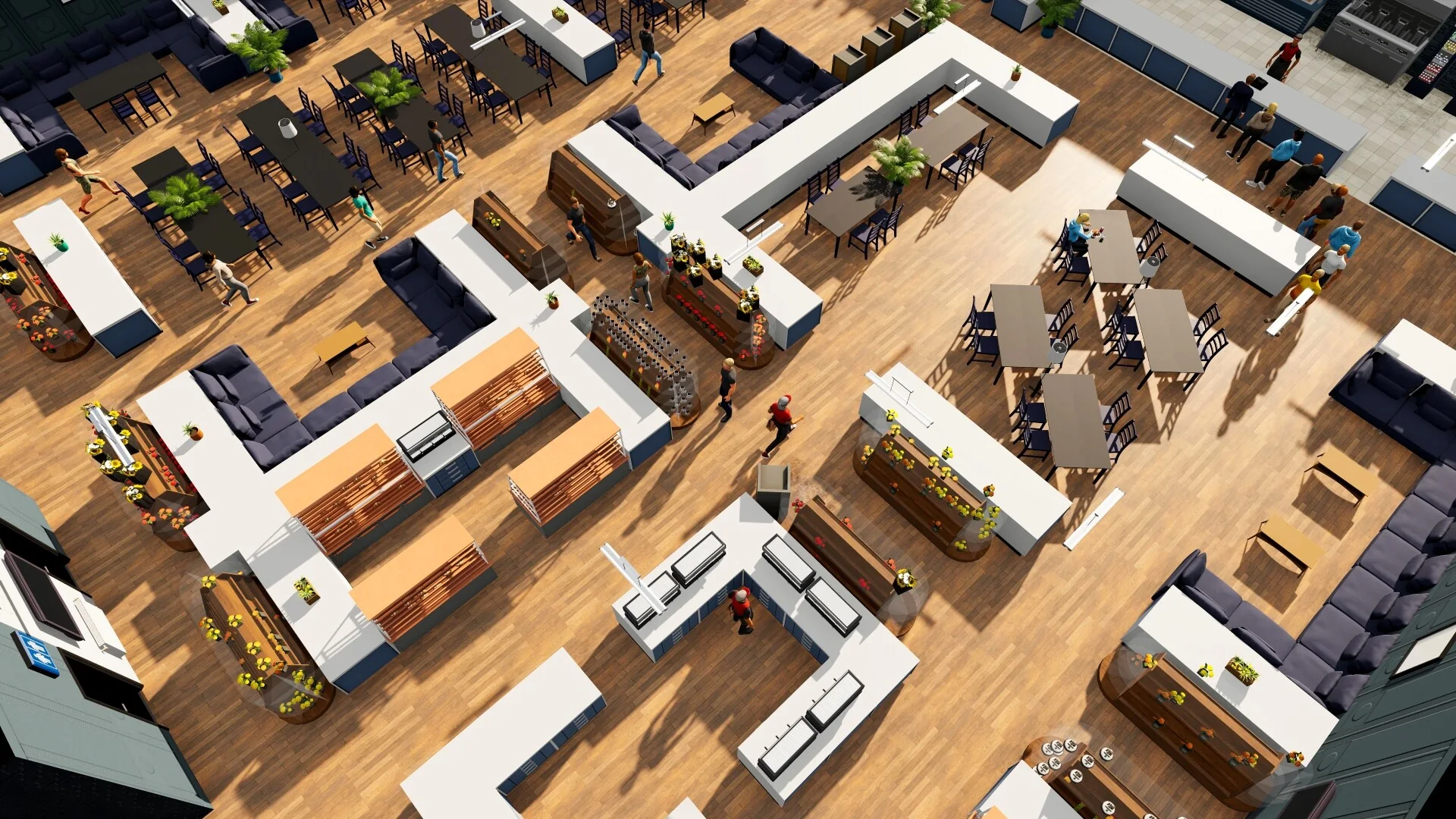
Compare the usable aisles and functional fixtures before spending on the finish; this store is an example, not a required floor plan.
Fix problems in the right order
| Order | Check | What success looks like |
|---|---|---|
| 1 | Business furniture | Every core task has the fixture it needs |
| 2 | Pathing | Staff, customers, doors, counters, and queues remain usable |
| 3 | Surfaces | Walls, floors, colors, and the room shell no longer look unfinished |
| 4 | Light and decoration | The room has a consistent, readable finish |
| 5 | Related needs | Bathrooms, cleaning, employee demands, and service are checked separately |
The order matters because decoration can hide a layout mistake without solving it. A beautiful store with a blocked register still creates operational friction. Conversely, a plain but functional shop gives you a stable baseline from which to judge the design changes.
Why the score can appear unchanged
There are three common explanations. The first is that the change belongs to another system. A bathroom item may help hygiene or comfort, while a speaker may affect a different satisfaction signal; neither should be treated as a guaranteed interior-score button. The second is that the room has a more basic defect, such as missing furniture or an unusable route. The third is version context. Community explanations and shared layouts can reflect an older build, so use them as ideas and confirm the result in your current save.
A low-cost improvement loop
Take a screenshot or note of the current score. Buy or place one small group of changes, run the business long enough to observe the room, and inspect the score again. If the number does not change, keep the change only if it improves movement or presentation; do not keep spending because a forum post promised a hidden threshold. This loop turns vague advice into a controlled test and protects early cash.
For a larger shop, use a simple zoning plan: entrance and customer flow at the front, sales or service fixtures in the middle, and staff-only or replenishment space where it does not interrupt queues. This is especially useful when using shared layouts from long-form gameplay videos. Copy the logic of the layout, not its exact dimensions or decorative budget. For related operating signals, compare happiness best practices, security layout, and the original interior score guide.
FAQ and next links
Is there a guaranteed best interior score formula? Not in the current verified material. Use the checklist and record results in your own version.
Should I demolish a working room? No. Photograph the layout, correct one bottleneck at a time, and keep cash available for stock and wages.
What should I read next? Pair this page with happiness best practices, security layout, and building location.
Sources
- Interior Decoration for player questions about interior rating.
- How to Customize the Interior of Your Business for walls, floors, and design workflow context.
- The PERFECT Start! How to Build Your First Successful Business for visible setup and layout examples.