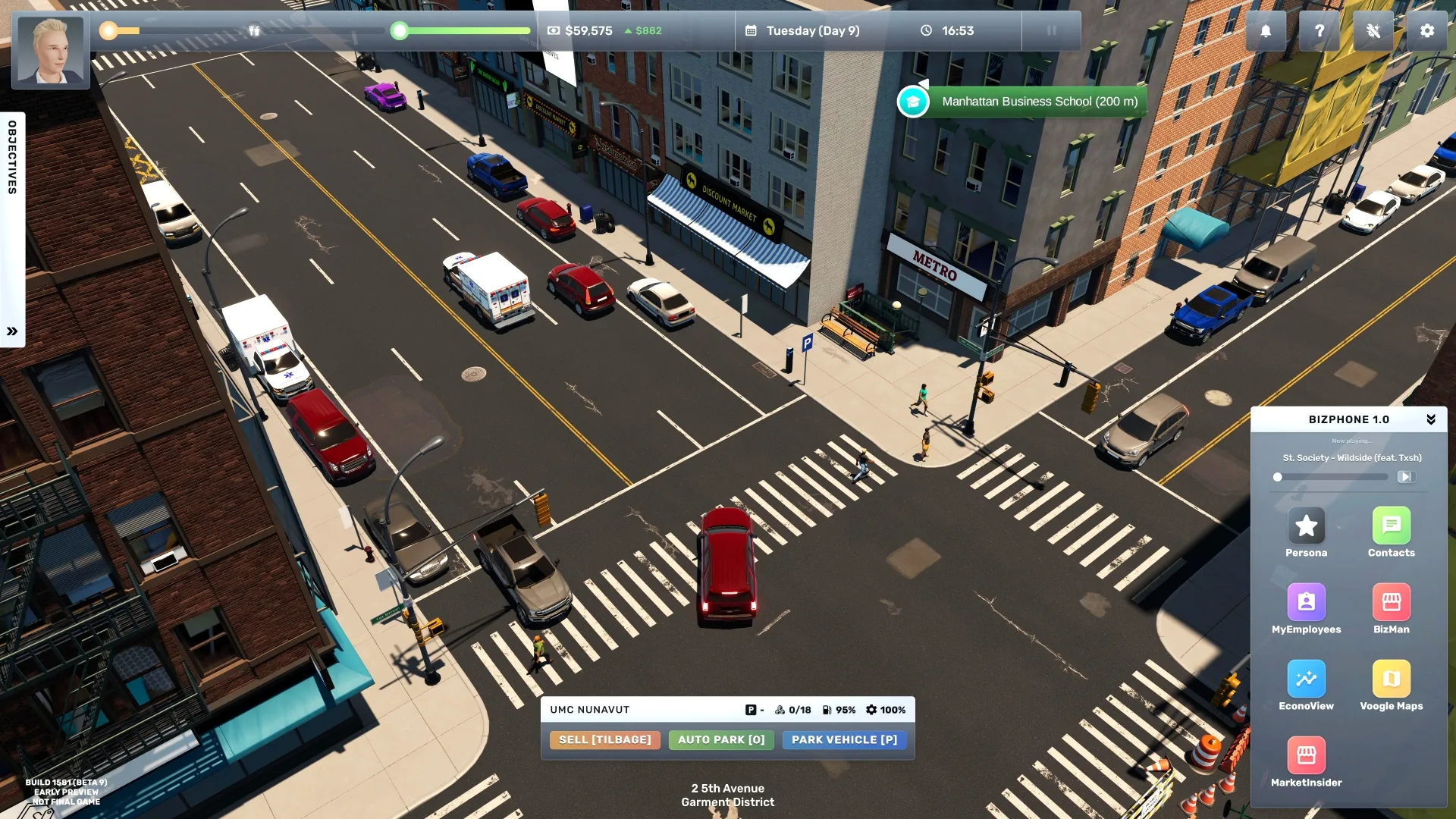
Find mods in the Big Ambitions Steam Workshop. Subscribe to the item on Steam, launch the game, then enable it from the main menu's Mods screen. The Workshop currently separates mods from blueprints; blueprints are installed in game through interior installation firms, so they are a different download type.
Pick a mod by the problem you want to solve
The live Workshop changes too often for a fixed “best mods” list to stay reliable. At the time of this check, its popular items included mods for camera/UI, phone pages, business management, restocking, and a multiplayer project. Treat those as discovery leads, not compatibility endorsements. Open each item's own Workshop page and check its latest update, supported game build, required mods, description, and recent comments before subscribing.
| If you want to… | Workshop category or search | Check before enabling |
|---|---|---|
| Change controls or interface | Search for UI, camera, or phone-page mods | Supported build and any required UI framework |
| Automate replenishment | Search for restock or supply mods | Whether it changes orders, stock rules, or save data |
| Add a new business system | Search for business, casino, or multiplayer mods | Dependencies, online requirements, and multiplayer status |
| Change a building's layout | Browse Blueprints, not Mods | Building type/size and in-game installation requirements |
Enable and recover safely
- Record your game build and make a separate save before trying a mod that changes money, inventory, employees, businesses, or progression.
- Subscribe to the mod in Steam Workshop and wait for Steam's download to finish.
- Start Big Ambitions and open Mods from the main menu. Enable the mod there; restart if the mod page or game requests it.
- Load the test save first. Confirm the mod's feature appears and that the save still loads and operates normally.
- If the game fails to load or a feature breaks, return to the main menu, disable the last-added mod, restart, and load the untouched backup. Check the author's page for dependency or version notes before retrying.
Do not assume two mods work together because both appear in the Workshop. Add one at a time so you can identify which change caused a problem. This guide's install steps cover the official Steam Workshop. Skymods, Reddit, and forum posts are third-party discovery sources, not official or vetted download channels; do not treat a repost as a compatibility check. Before using any non-Workshop file, verify that it comes from the mod author and that the author explicitly supports your current build and install method. When those details are unclear, use the Workshop version or skip the file.
Sources
- Big Ambitions Steam Workshop — live categories and items; checked September 26, 2026.
- Official Big Ambitions announcements — build changes to compare with mod compatibility notes.
- EA 0.11: The Workshop Awakens — Workshop feature introduction.